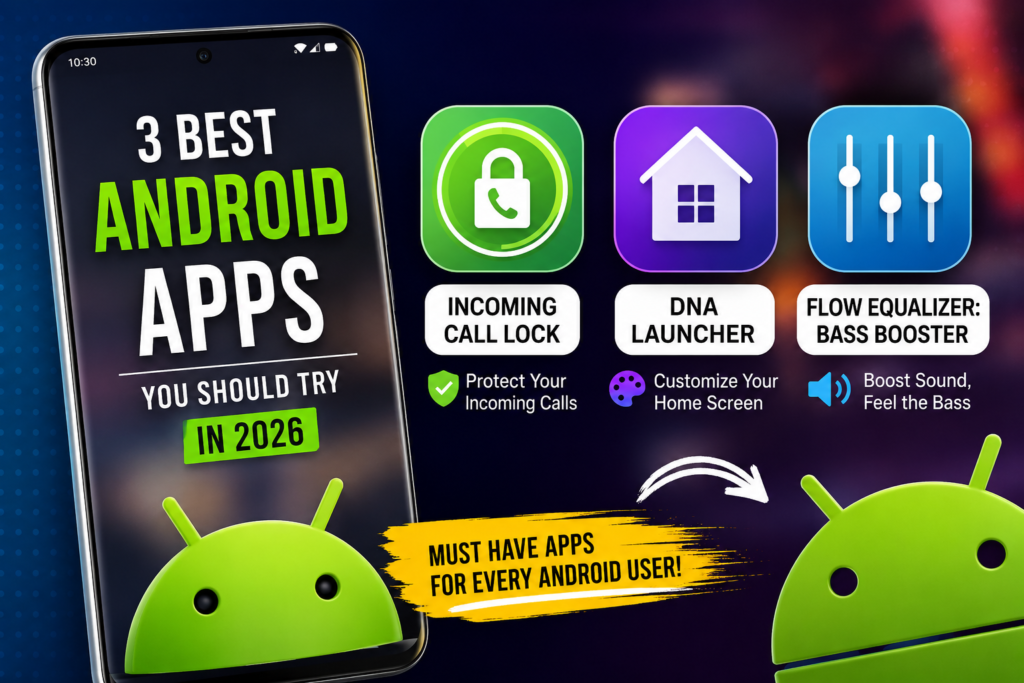
3 Amazing Android Apps You Should Try in 2026
If you’re someone who enjoys discovering useful Android apps, you’re in the right place. While the Google Play Store offers millions of apps, only a few are truly worth installing. In this article, I’ll share three Android apps that can improve your phone’s privacy, appearance, and audio experience.
Let’s get started.
1. Incoming Call Lock – Protect Your Privacy
Have you ever handed your phone to a friend or family member and worried that someone might answer your incoming calls? That’s where Incoming Call Lock comes in.
This app lets you lock incoming calls with a PIN, password, or pattern, adding an extra layer of privacy. It’s easy to set up and works well for anyone who wants more control over their phone.
Key Features
Lock incoming calls with a PIN or password
Simple and user-friendly interface
Helps protect your privacy
Lightweight and easy to use
2. DNA Launcher – Give Your Phone a Fresh Look
If you’re tired of your phone’s default home screen, DNA Launcher is worth checking out.
It allows you to customize your home screen with new icons, themes, wallpapers, and smooth animations. The launcher feels modern and offers plenty of personalization options without making your phone complicated to use.
Key Features
Clean and modern design
Custom themes and icon packs
Smooth animations
Easy home screen customization
3. Flow Equalizer: Bass Booster – Enhance Your Music Experience
Love listening to music? Flow Equalizer: Bass Booster can help you get a better audio experience.
The app includes an equalizer with different presets and bass enhancement options, allowing you to adjust the sound to your liking. The results may vary depending on your phone and headphones, but it’s a useful tool for users who enjoy customizing their audio.
Key Features
Bass boost controls
Multiple equalizer presets
Audio customization options
Simple and easy-to-use interface
Final Thoughts
These three apps offer something different for Android users. Incoming Call Lock focuses on privacy, DNA Launcher gives your phone a fresh new look, and Flow Equalizer helps you personalize your audio experience.
If you’re looking for useful Android apps to try this year, these are definitely worth checking out.
FAQs
Is Incoming Call Lock safe to use?
Yes, as long as you download it from the Google Play Store.
Does DNA Launcher slow down Android phones?
On most modern devices, it runs smoothly and efficiently.
Can Flow Equalizer improve Bluetooth headphone sound?
It can enhance audio on supported devices, although the results depend on your phone and headphones.